Home screen and menu

The top-right menu has icons to show/hide the menu, turn sound on or off, set the timer, and open app settings. Hiding the menu automatically starts the timer at the time already set.
Need help with Volto Já!? Here's how to reach us, a quick usage tutorial, and the version history of the app's released updates.
Have a question, a suggestion, or found something that didn't work as expected? Write to us:
A quick look at the home screen and menu, so you can set up the wait in a few taps.
The top-right menu has icons to show/hide the menu, turn sound on or off, set the timer, and open app settings. Hiding the menu automatically starts the timer at the time already set.
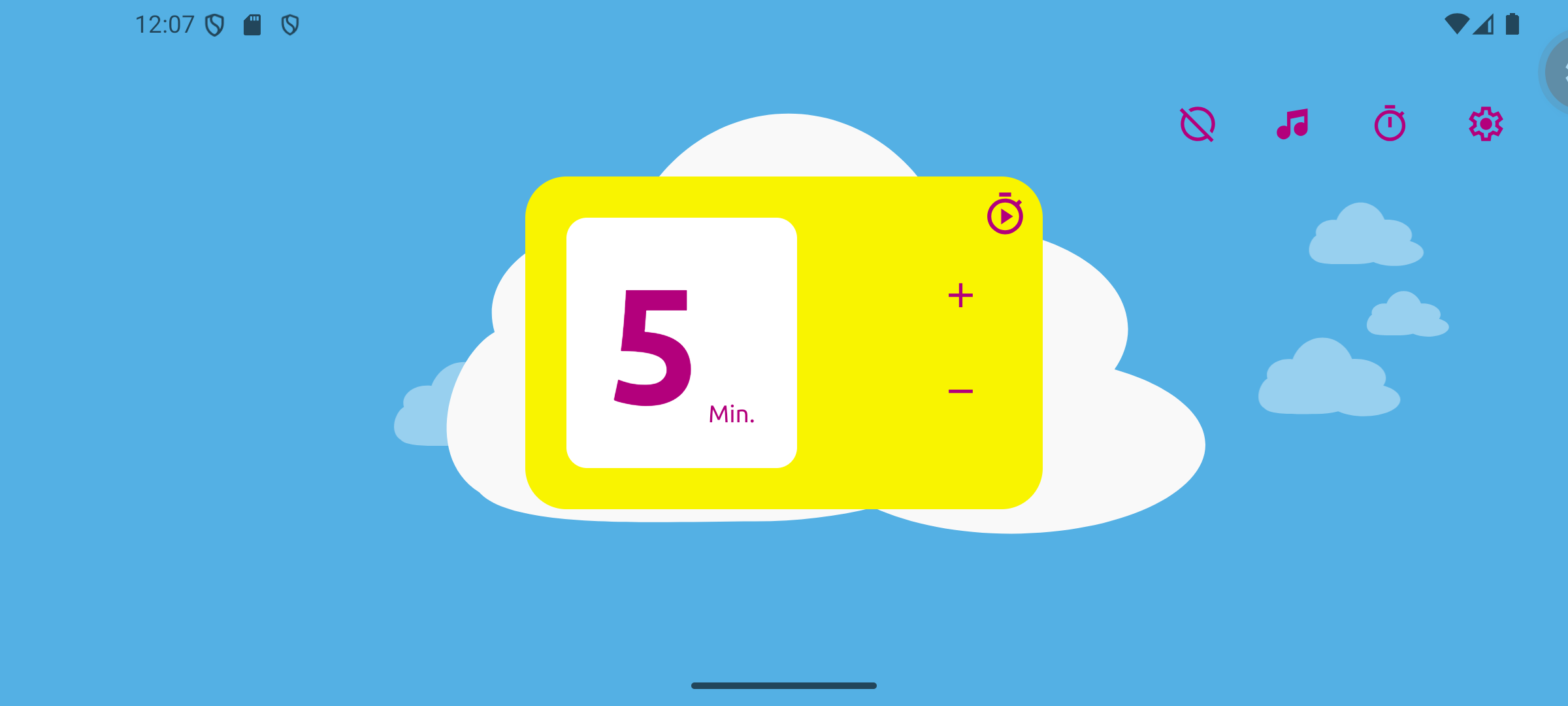
Tap the timer icon to choose the wait's duration, from 1 to 60 minutes, using the "+" and "-" buttons. Tap Start timer, or simply hide the menu, to begin the countdown.

With the menu hidden, the theme's shape — here, the cloud — gradually fills in, with no numbers and no countdown, until it lets you know it's time to come back.
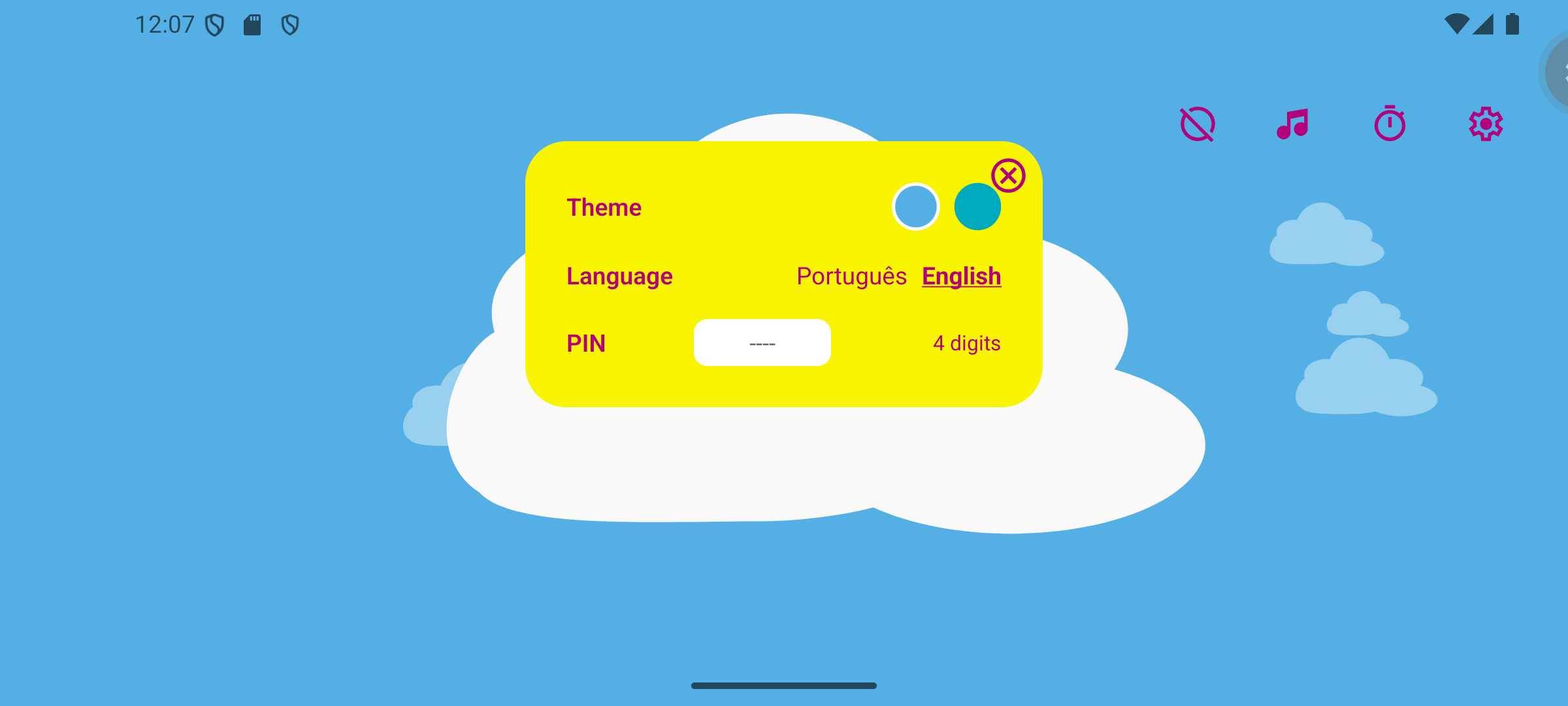
From the gear icon, choose the theme (Cloud or Sun), the language, and optionally set a 4-digit PIN to protect access to the menu — useful so a child can't change settings without a grown-up nearby.
What changed in each released version of Volto Já! (Android):